You haven't signed in yet, you can have a better experience after signing in
*Please complete the payment within {{receiveCouponInfo.expire_at}}Previous use*
You haven't signed in yet, you can have a better experience after signing in



Activity Rules
1、Activity time:{{ info.groupon.start_at }} ~ {{ info.groupon.end_at }}。
1、Activity time:cease when sold out。
2、Validity period of the Group Buying:{{ info.groupon.expire_days * 24 }} hours。
3、Number of Group Buying:{{ info.groupon.need_count }}x。
Please Pay Attention
1、Teamwork process: Join/initiate a Group Buying and make a successful payment - Within the validity period, the number of team members meets the activity requirements - Group Buying succeeded!
2、If the number of participants cannot be met within the valid period, the group will fail, and the paid amount will be refunded in the original way.
3、The number of people required and the time of the event may vary among different products. Please pay attention to the rules of the event.
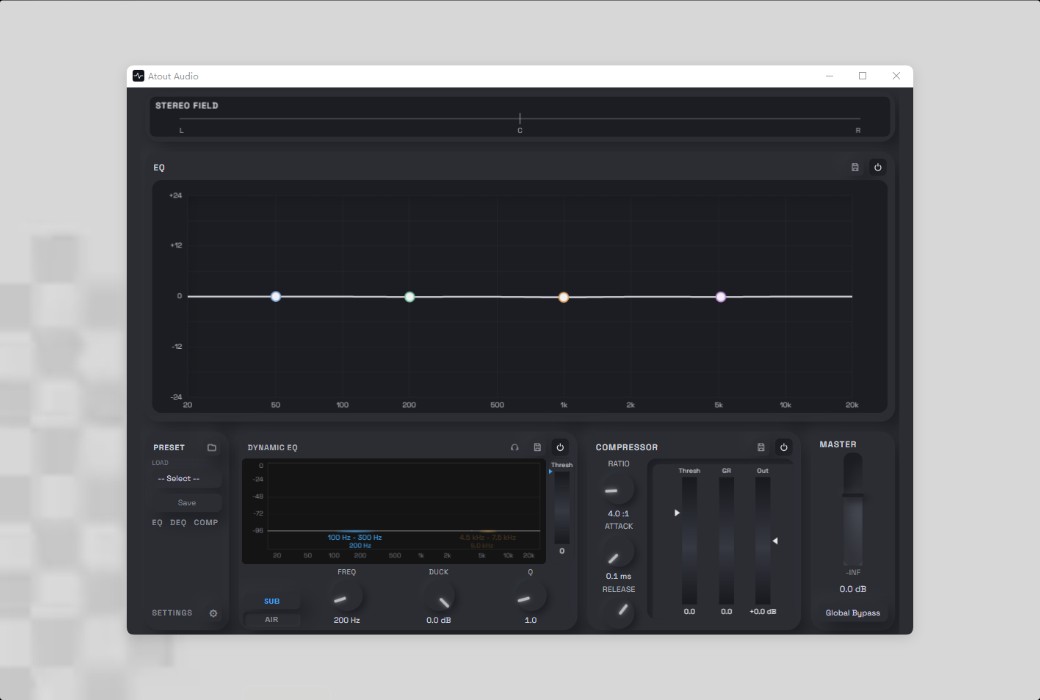
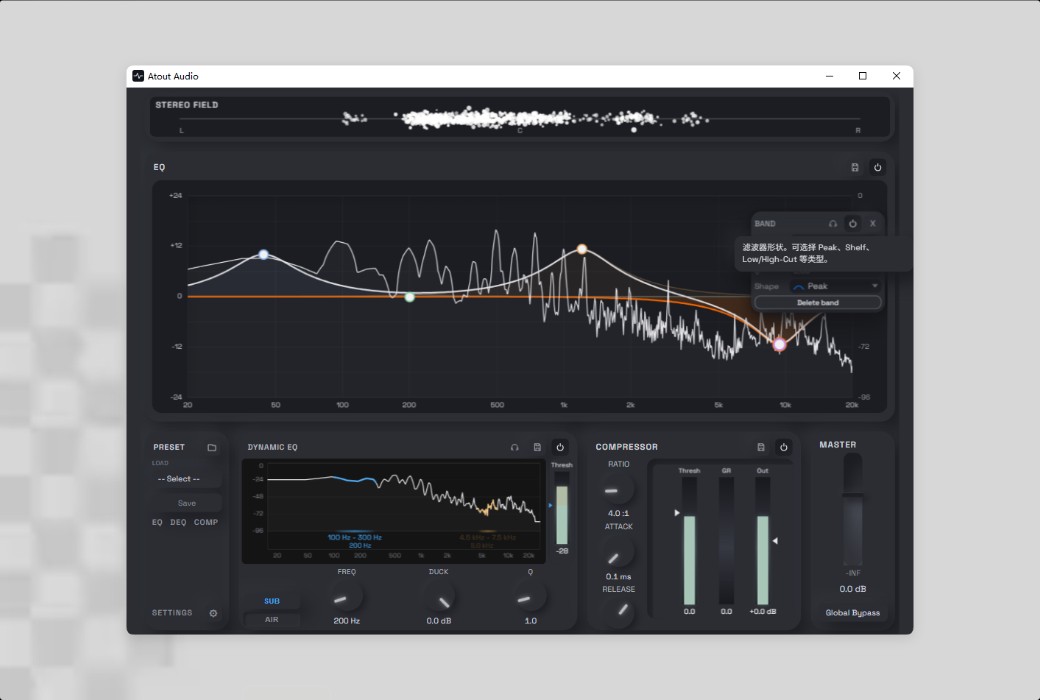
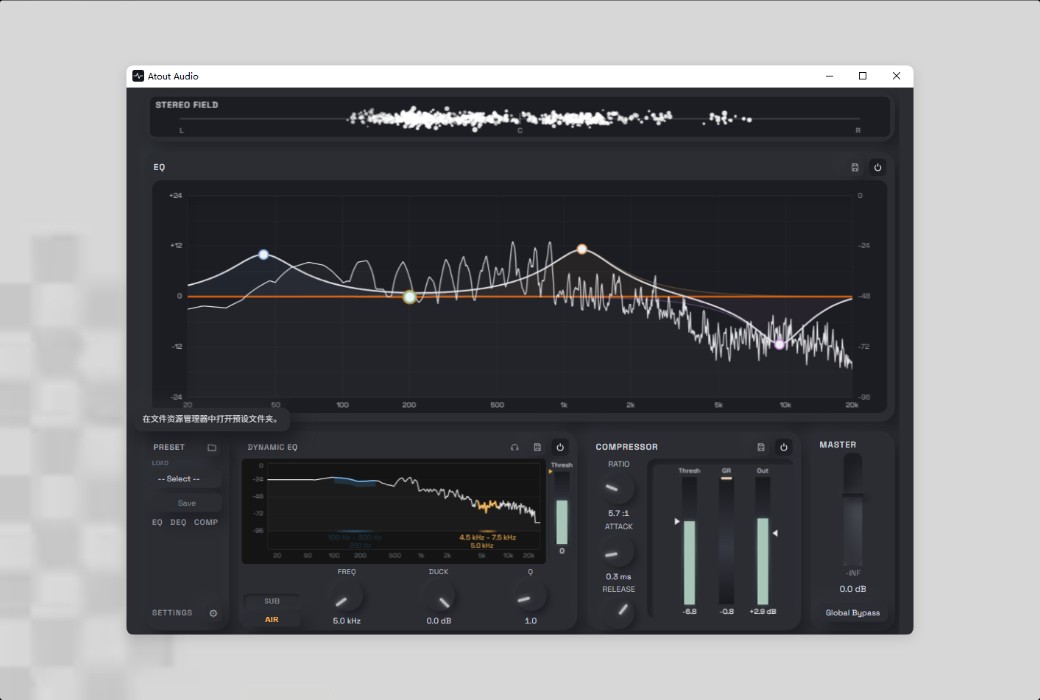
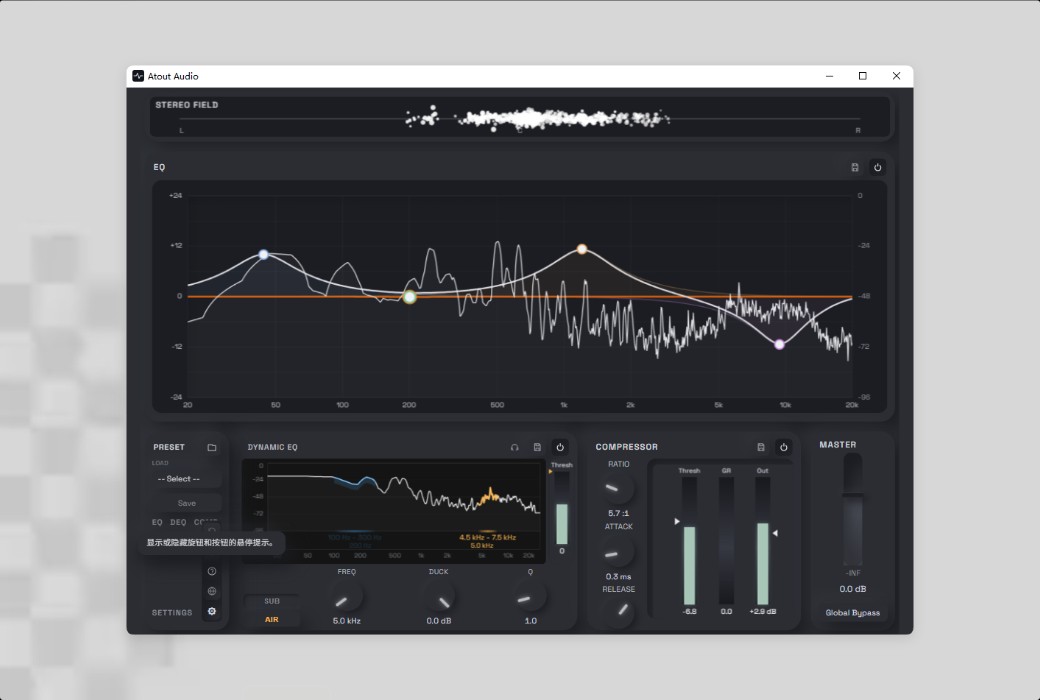
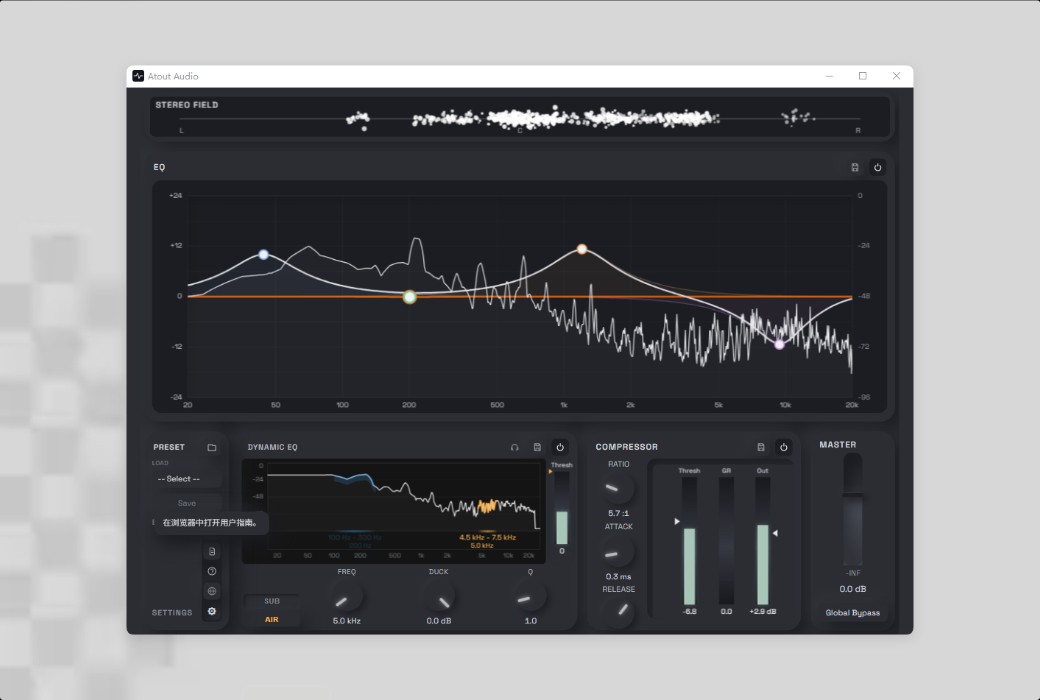
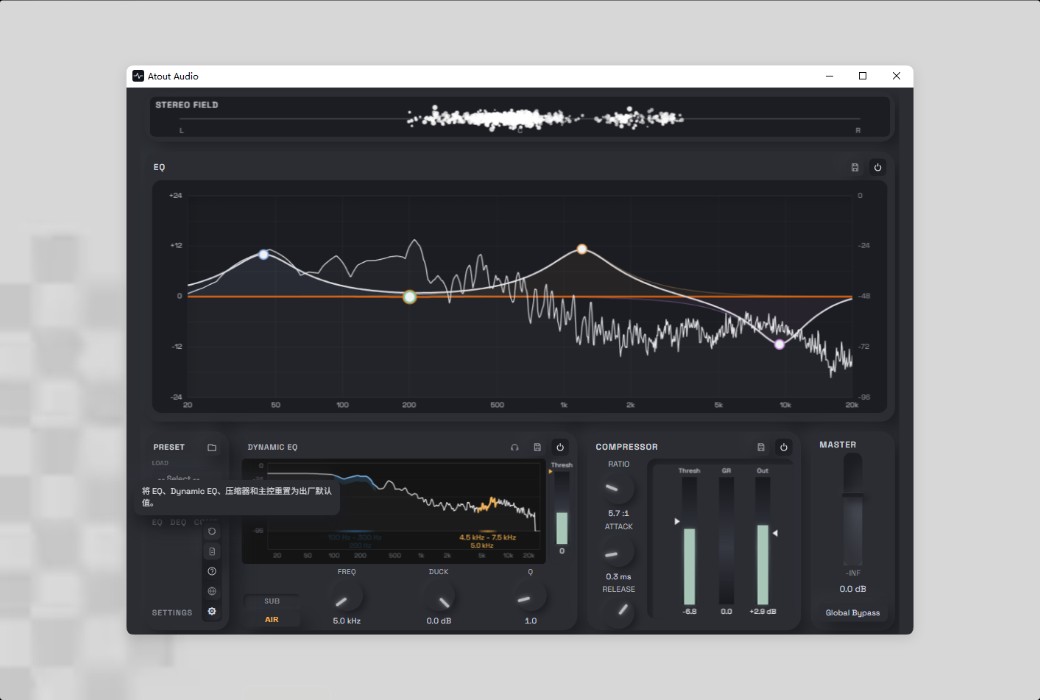
Atout Audio provides studio-grade equalizers and compression effects for every sound on your Windows computer.
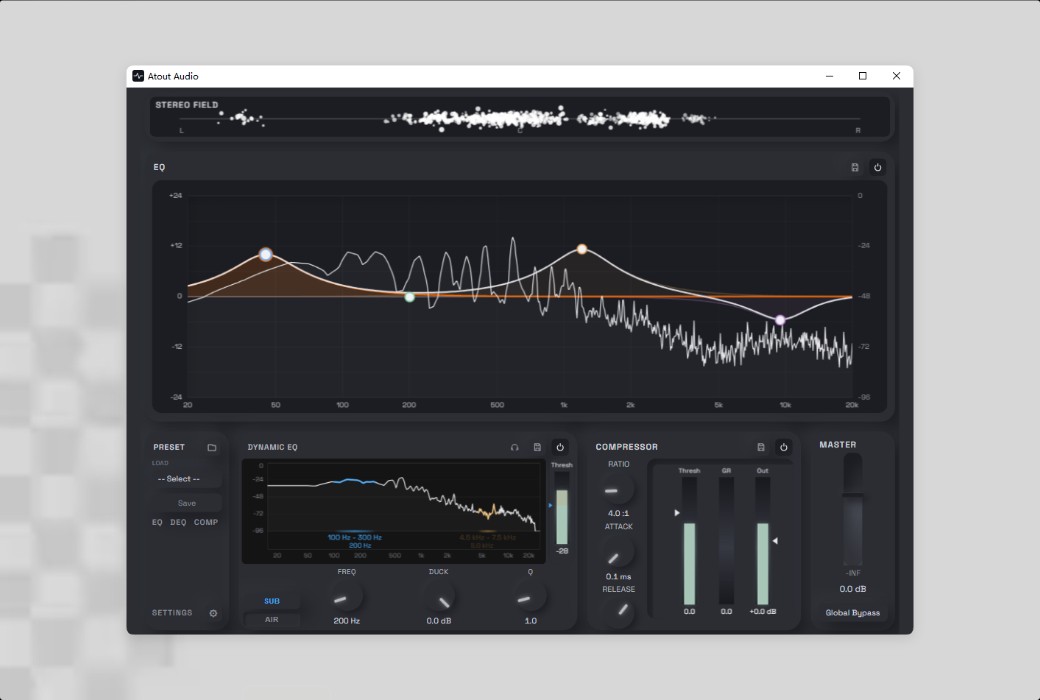
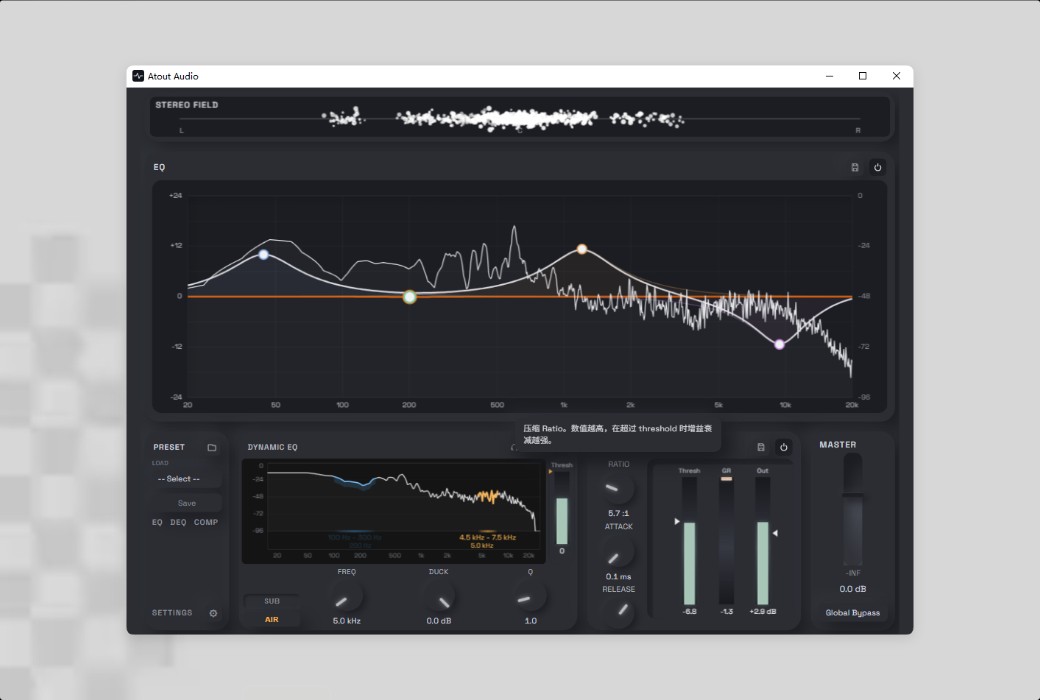
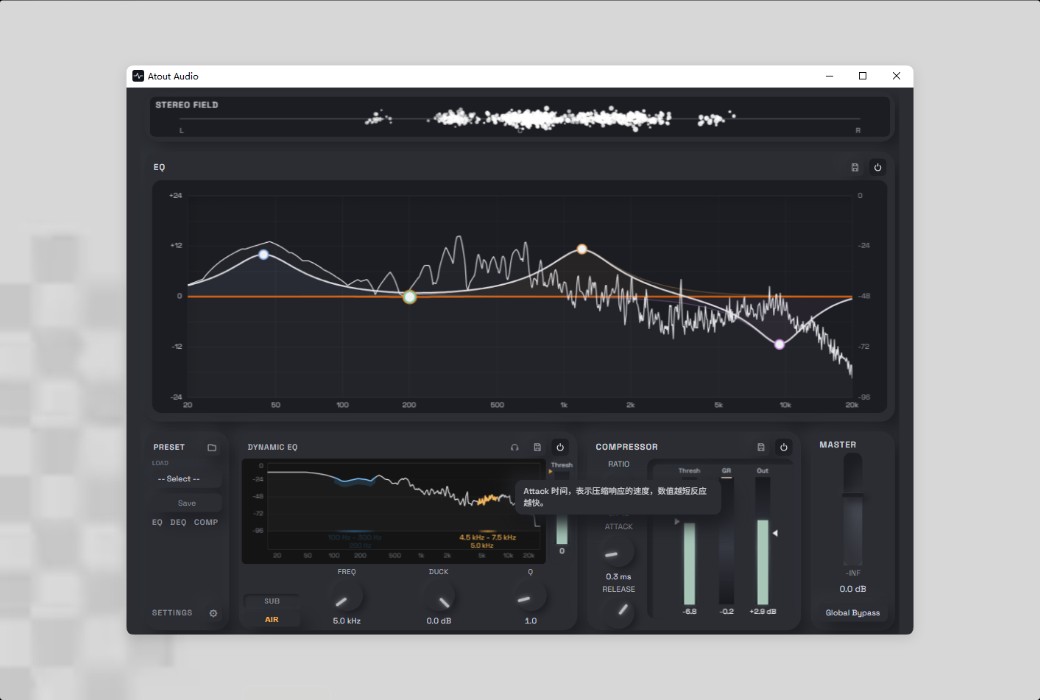
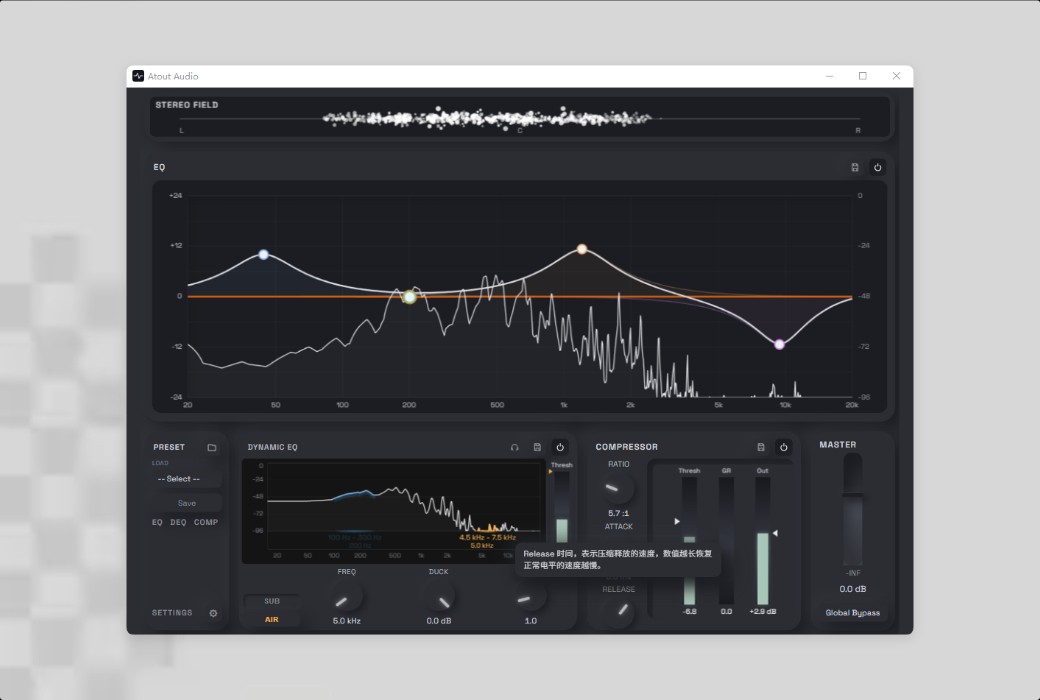
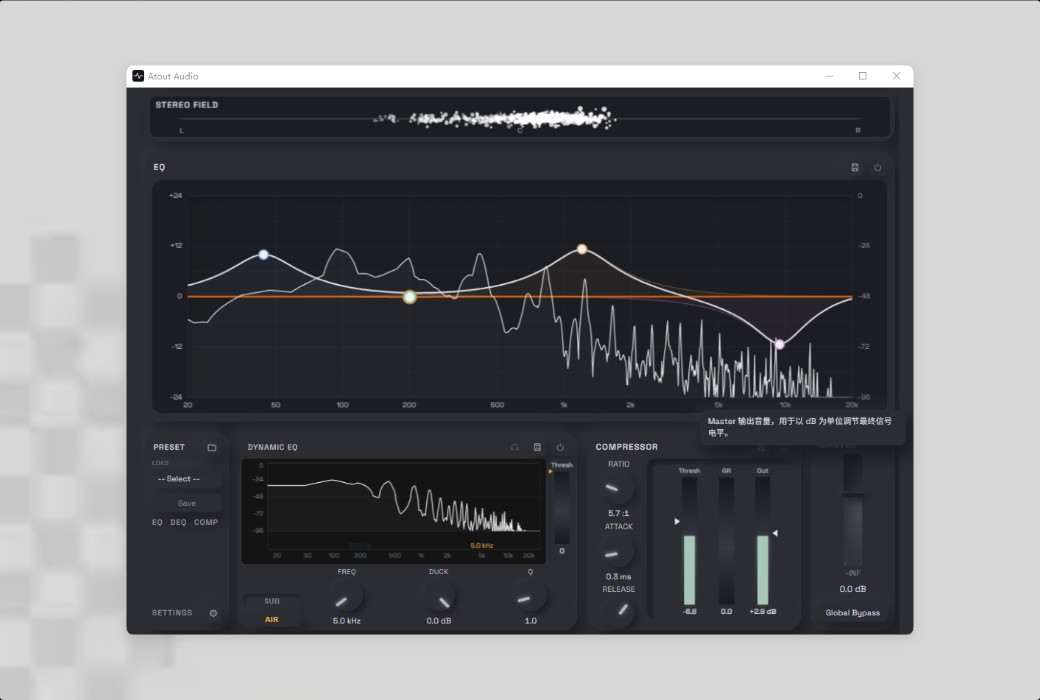
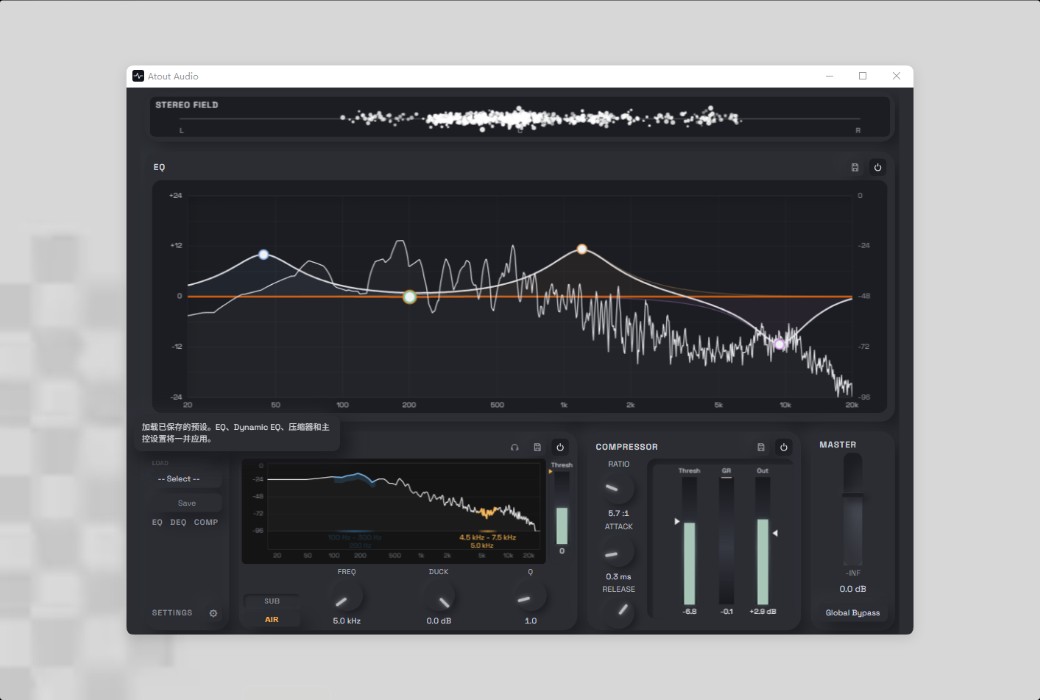
Integrated into the Windows audio pipeline as an Audio Processing Object (APO), Atout Audio allows you to control everything you hear in real-time and at a professional level - EQ, dynamic EQ, compressor, and global bypass can all be toggled on and off at any time. Optimized for USB and onboard (Realtek) audio devices, which are the configurations actually used by most Windows computers.
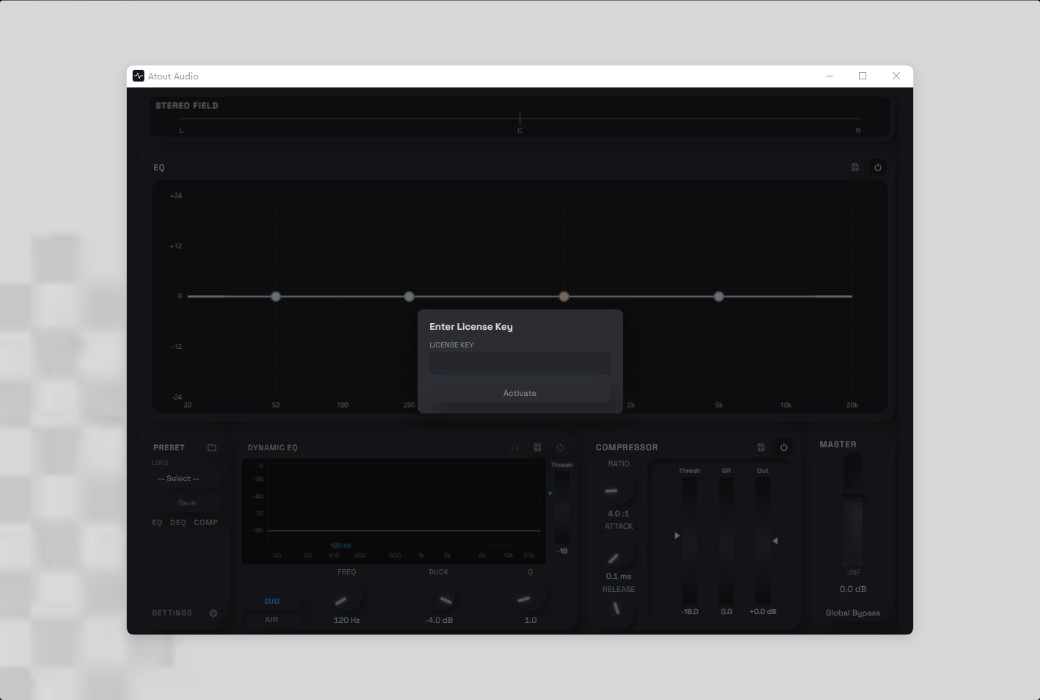
No account required, no launcher needed
Just install and use. Atout Audio doesn't require login, network accounts, or bulky companion launchers.
Your audio stays local
All audio processing takes place on your device - sound data is never sent anywhere.
Professional-grade DSP
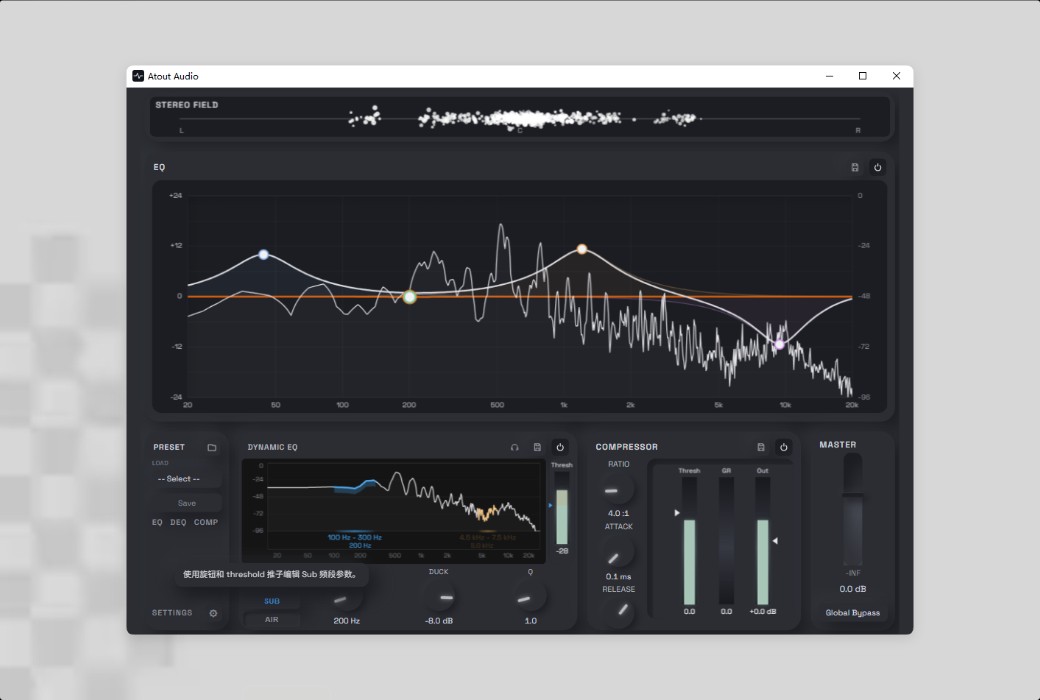
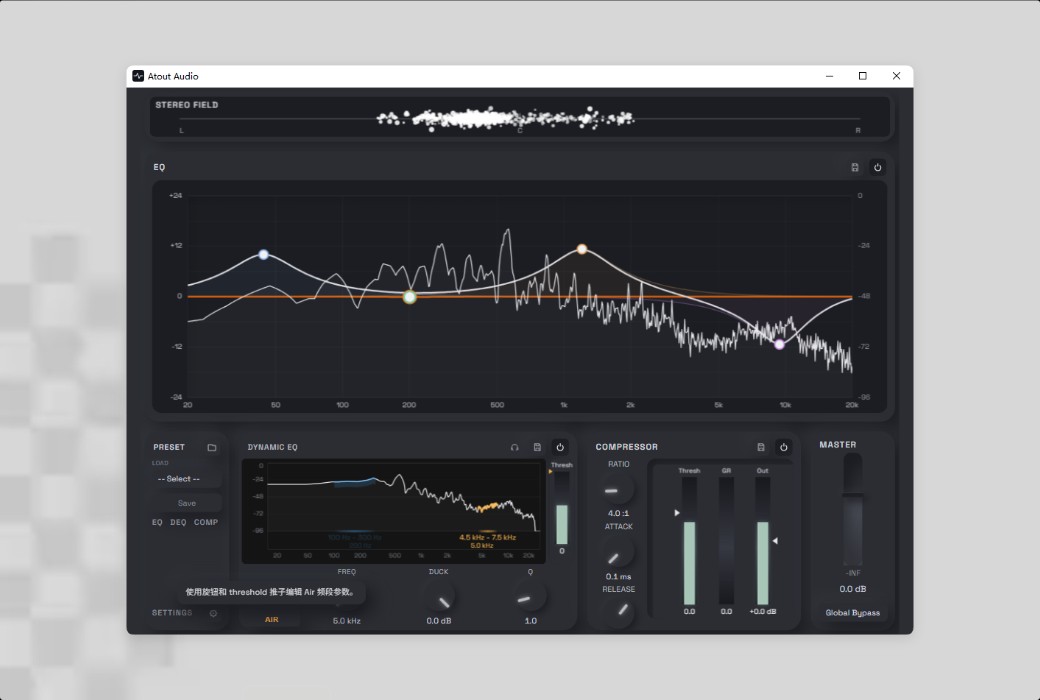
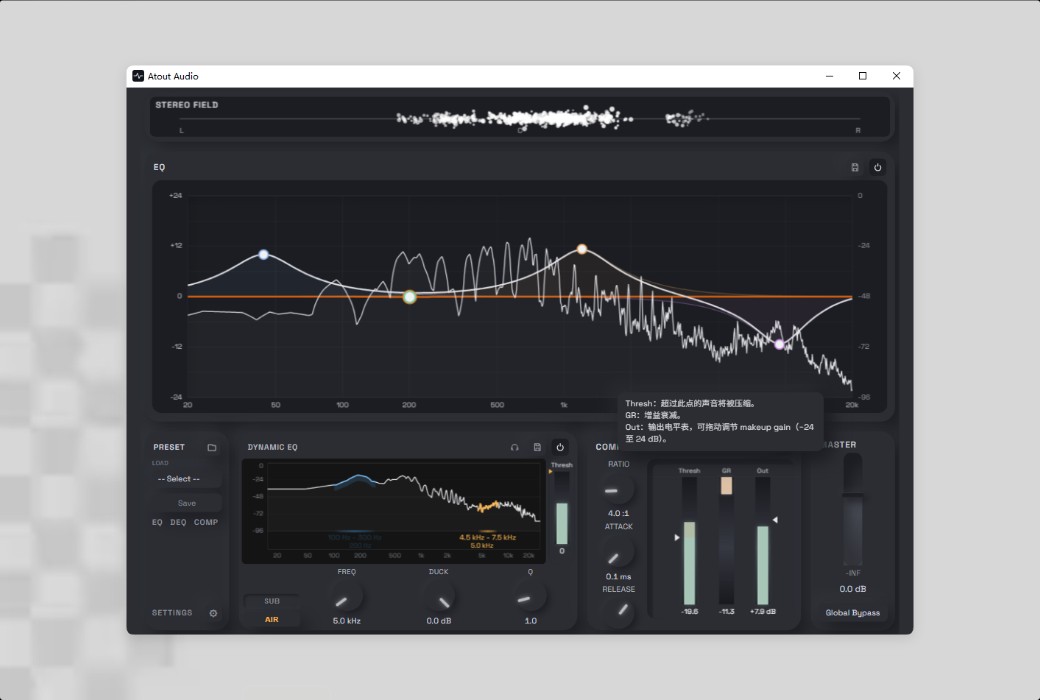
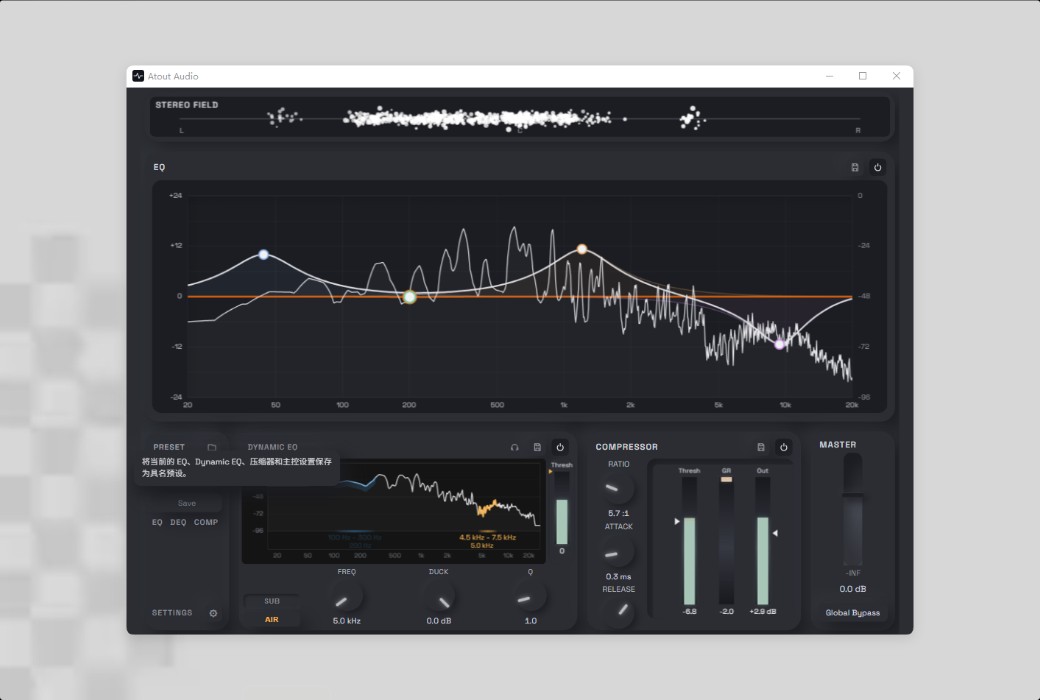
The dynamic equalizer automatically attenuates when needed, and there's also a precise compressor with full threshold/ratio/attack/release control - tools typically used by mixing engineers, but adjusted for everyday listening.
Designed like a true studio tool, not just a gimmick.
Every stage of Atout Audio is tuned for USB and onboard (Realtek) audio, which are the configurations actually used by most Windows computers, and accuracy is prioritized in its design.
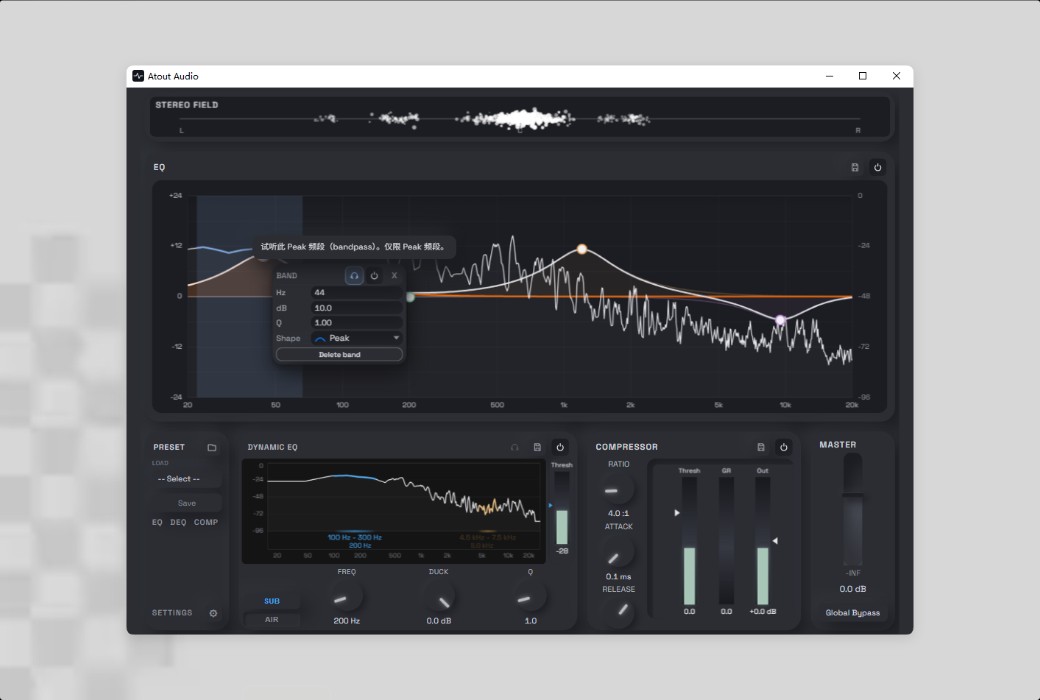
Shape your sound with up to 8 fully parameterized bands, each switchable between peak, shelf, and cut filter types, giving you true tonal control over any sound played on your computer.
Real-time spectrum coverage is displayed directly on the equalizer graph, so you can clearly see the audio changes as you adjust each band - no separate analysis window required.
.Official Website:https://www.atoutaudio.com/
Download Center:https://atoutaudio.apsgo.cn
Delivery Time: Automatic delivery within 24 hours
Operating Platform: Windows
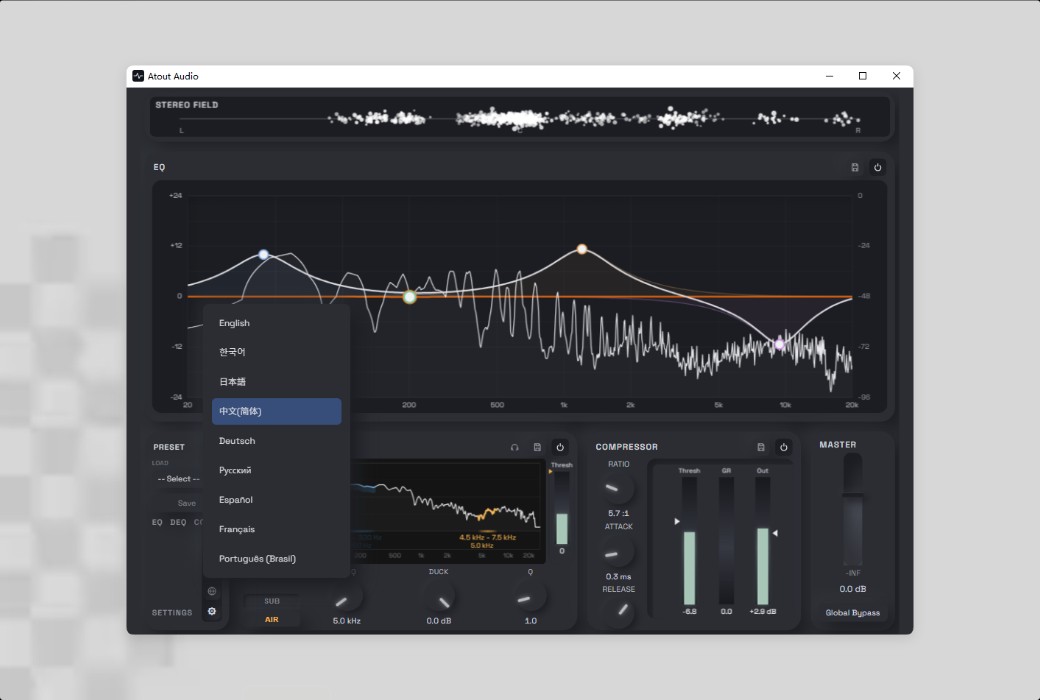
Interface Language: 9 languages, with a switchable prompt tool.
Update Instructions: Supports minor version updates and upgrades.
Trial Before Purchase: Free trial available before purchase.
How to Receive Your Order: After purchase, activation information will be sent to the email address provided during the order process. You can also view the corresponding product activation code in your personal center, under "My Orders".
Number of Devices: Can be installed on 1 computer.
Changing Computers: Use the built-in device reset function to deactivate the old device and activate the new device - this can be used once every 30 days.
Activation Guide: To be added.
Special Instructions: Please check your audio settings first: Atout Audio currently only supports Realtek (onboard) and USB audio output devices. Bluetooth headphones/speakers and professional audio interfaces are not yet supported - please check the system requirements before purchasing.
References:https://www.atoutaudio.com/index.html

Any question

Atout APO will automatically detect and register active output devices, including those connected via USB hubs or other ports
When you move a device to a new port, the connection may take about 10 to 30 seconds - please wait a moment
Then, start the game or audio program again to give Atout APO time to receive the changes